Product Overview
Dashboard
Section titled “Dashboard”Get a comprehensive view of all your SAPIOM spend and usage. Monitor agent activity, track costs across services, and manage rules all from one central dashboard.
Complete Dashboard View
Section titled “Complete Dashboard View”The main dashboard provides an at-a-glance overview of your entire SAPIOM ecosystem. View total spend, agent activity, service usage, and active rules. Click any agent row to open the side panel and view detailed information including services, total spend, metadata, and recent activity.
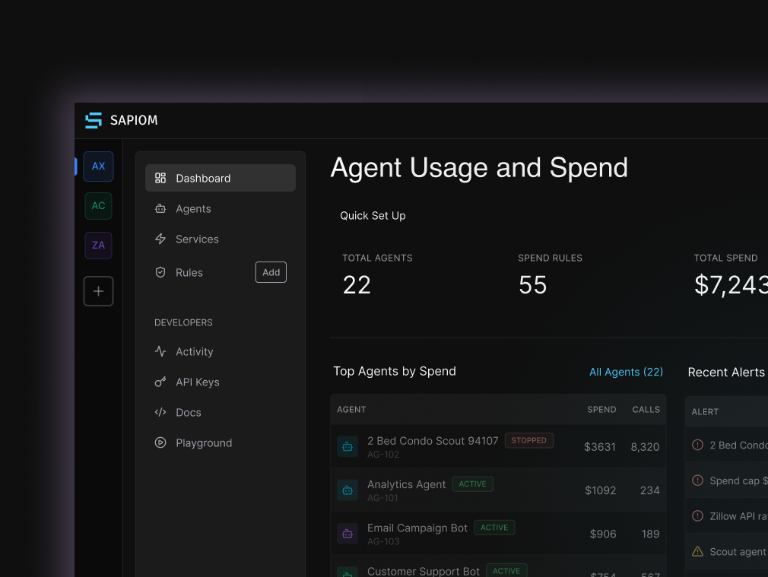
Real-time Monitoring
Section titled “Real-time Monitoring”Track every API call, token usage, and cost across all your agents and services with real-time updates and detailed analytics.
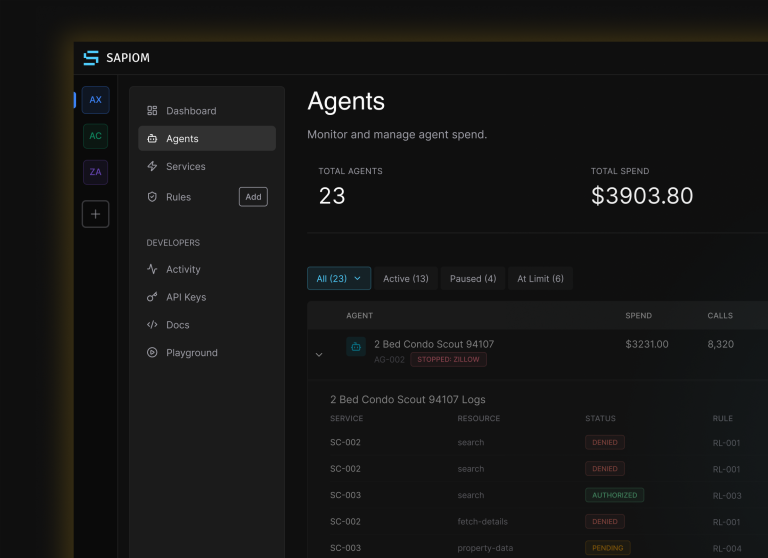
Agents View
Section titled “Agents View”Monitor and manage agent spend across your entire organization. View complete agent and service usage and recent activity logs.
Rule-based Limits
Section titled “Rule-based Limits”Set up spending, usage, and rate limits with automatic enforcement. Get notified when limits are approached or exceeded.
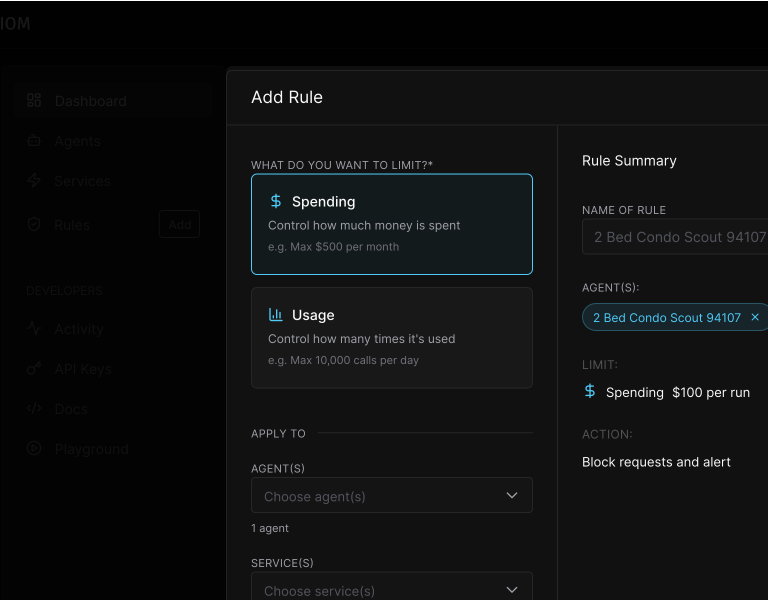
Set up Rules
Section titled “Set up Rules”Choose from Spend Limit, Usage Limit, or Rate Limit types. Set the amount and period (per run, per day, per week, or per month).
Rule Enforcement & Alerts
Section titled “Rule Enforcement & Alerts”When a rule limit is met, you’ll receive dashboard alerts showing the rule name and enforcement status.

Stack Trace Visibility
Section titled “Stack Trace Visibility”Debug agent behavior with detailed execution traces showing every request, response, cost calculation, and rule enforcement in real-time.
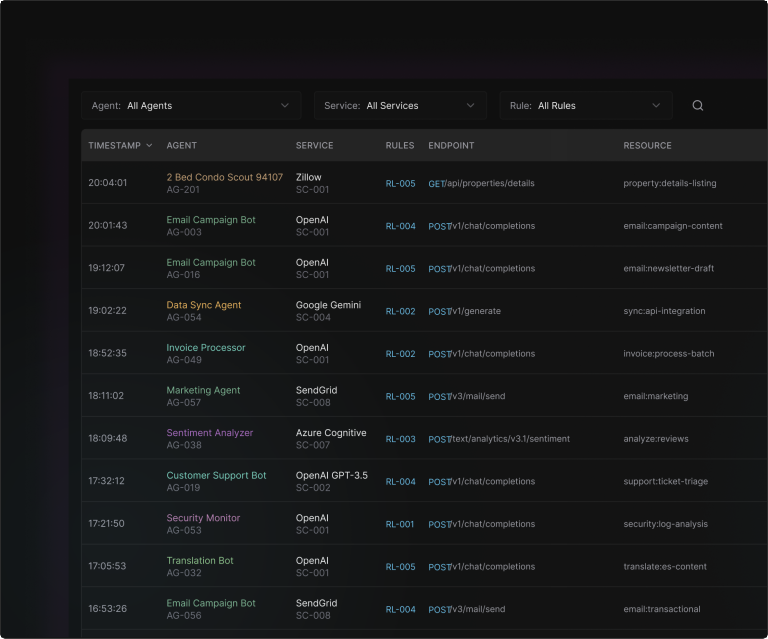
Activity Log View
Section titled “Activity Log View”See every step of the execution including authentication, request processing, response generation, token usage, costs, and rule enforcement.