Your users save cards and approve transactions on pages Sapiom hosts. Set your platform’s name and logo so those pages look like part of your product.

Set branding in the dashboard

  1. In the Sapiom dashboard, go to Settings and open Branding.
  2. Enter a Display name. Pages show your organization’s name if you leave it empty.
  3. Upload a Logo: a PNG, JPEG or WebP image up to 256 KB.
  4. Check the Preview, then save.
Sapiom resizes logos to fit within 512 × 512 pixels. SVG and animated images are not accepted.
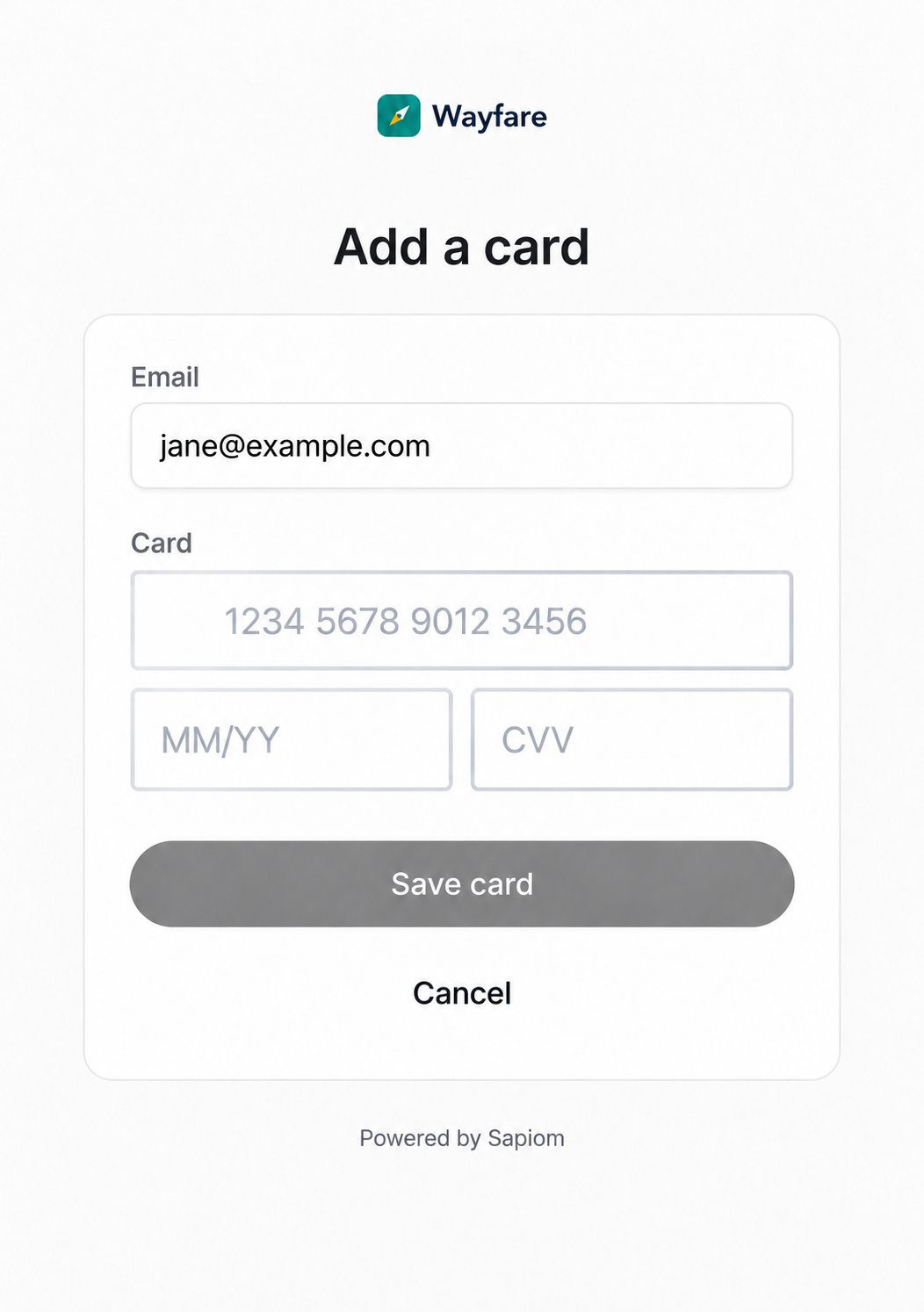
Hosted Add a card page with the Wayfare logo, an email field, card number, expiry and CVV fields, and a Save card button

Card setup page

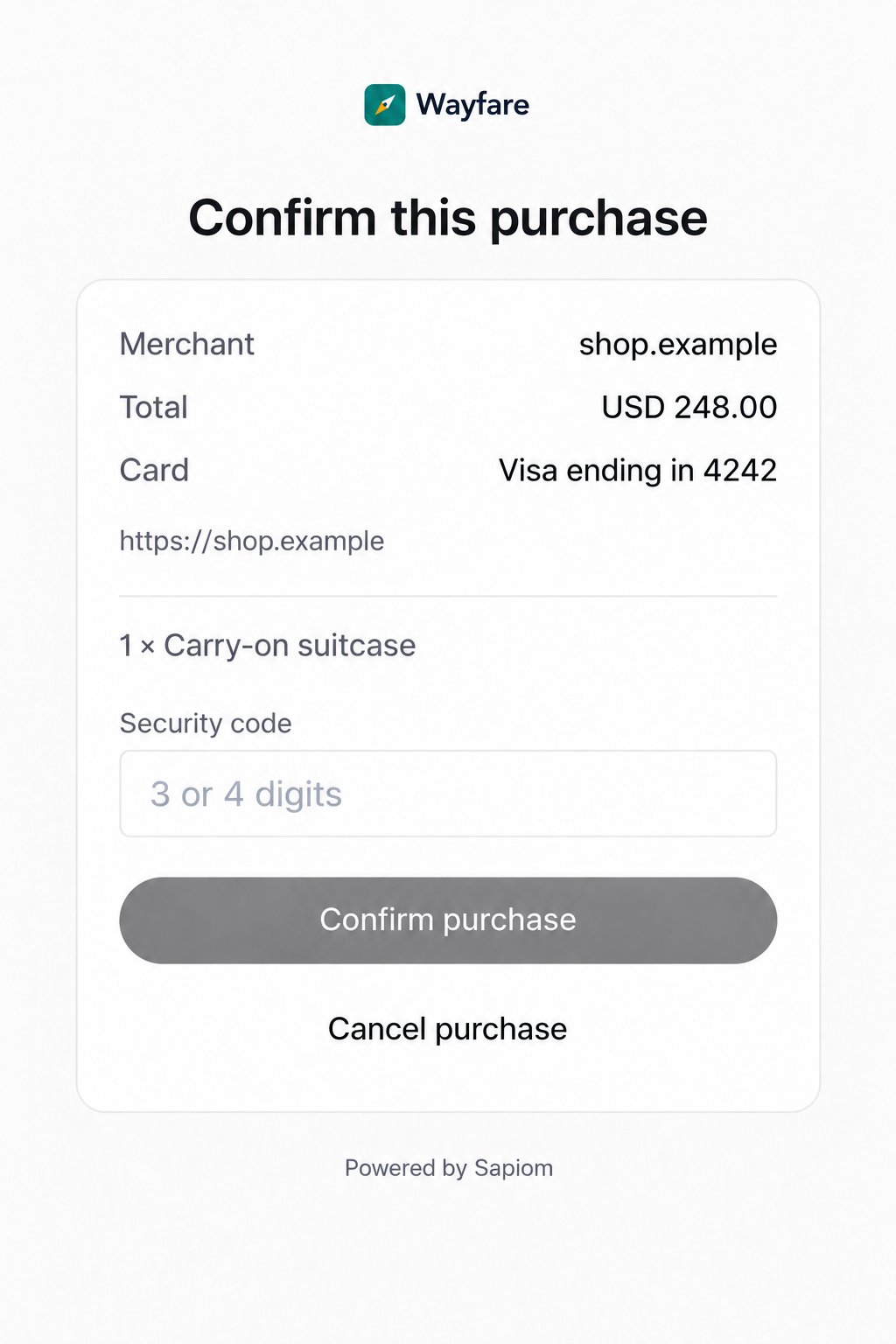
Hosted Confirm this purchase page with the Wayfare logo, showing the merchant, total, card ending 4242, the item and a security code field

Transaction approval page