

Create a setup link
- API
- Agent (MCP)
id, status, expiresAt and a one-time url.
Show
url only to that user. Sapiom returns it once and never stores it, so keep the id to check progress.
What the user sees
The hosted page shows your platform’s name and logo and asks for the user’s email and card details. After saving, the user goes to yourreturnUrl, if you set one.
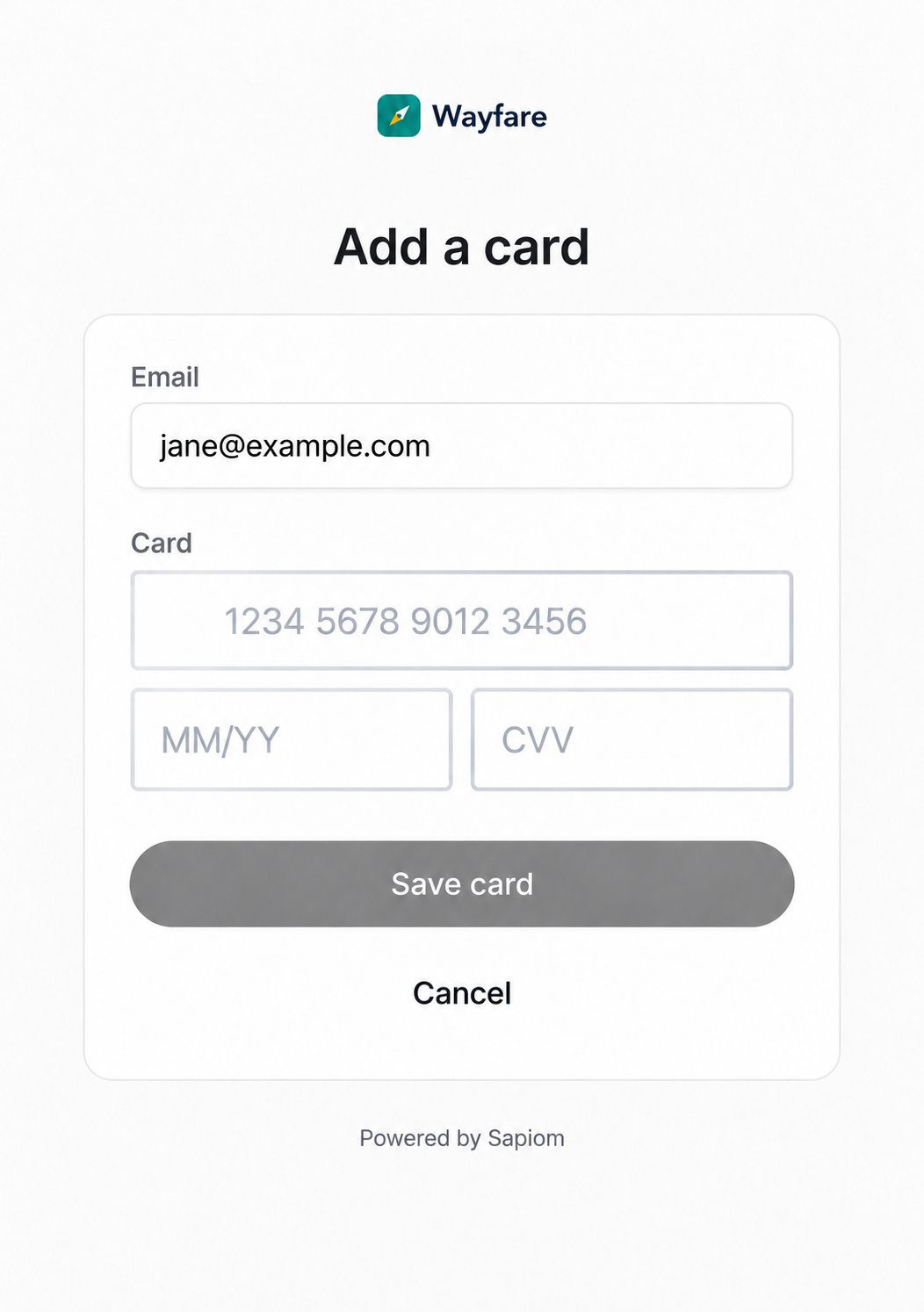
The hosted setup page, branded for a platform called Wayfare
Check the card is ready
After saving, read the link:status is completed, cardId is the new card. Store it with your user. The card is ready to pay once GET /v1/payment-cards/{cardId} shows status as active and readiness as anything other than not_ready.
Pick a card for a transaction
List the user’s cards withsapiom_list_payment_methods or GET /v1/payment-cards. Each card shows its brand, last4, isDefault, status and readiness.
Suggest the default card if it is active and ready. Once the user picks a card, use that card ID for the whole transaction, including retries.
Manage saved cards
Removing a card stops future transactions with it. It does not cancel or refund past orders.