

Budgets
A budget is how much your agent can spend with one of a user’s cards over the next 30 days. The user sets it on a page with your brand, and you can propose the amount. Within the budget, purchases go straight to payment, without asking the user.How a user sets a budget
Right after the user adds a card, the setup page asks for a budget. Sendbudget.amount in the setup link to propose an amount, or leave it out to let the user enter one.
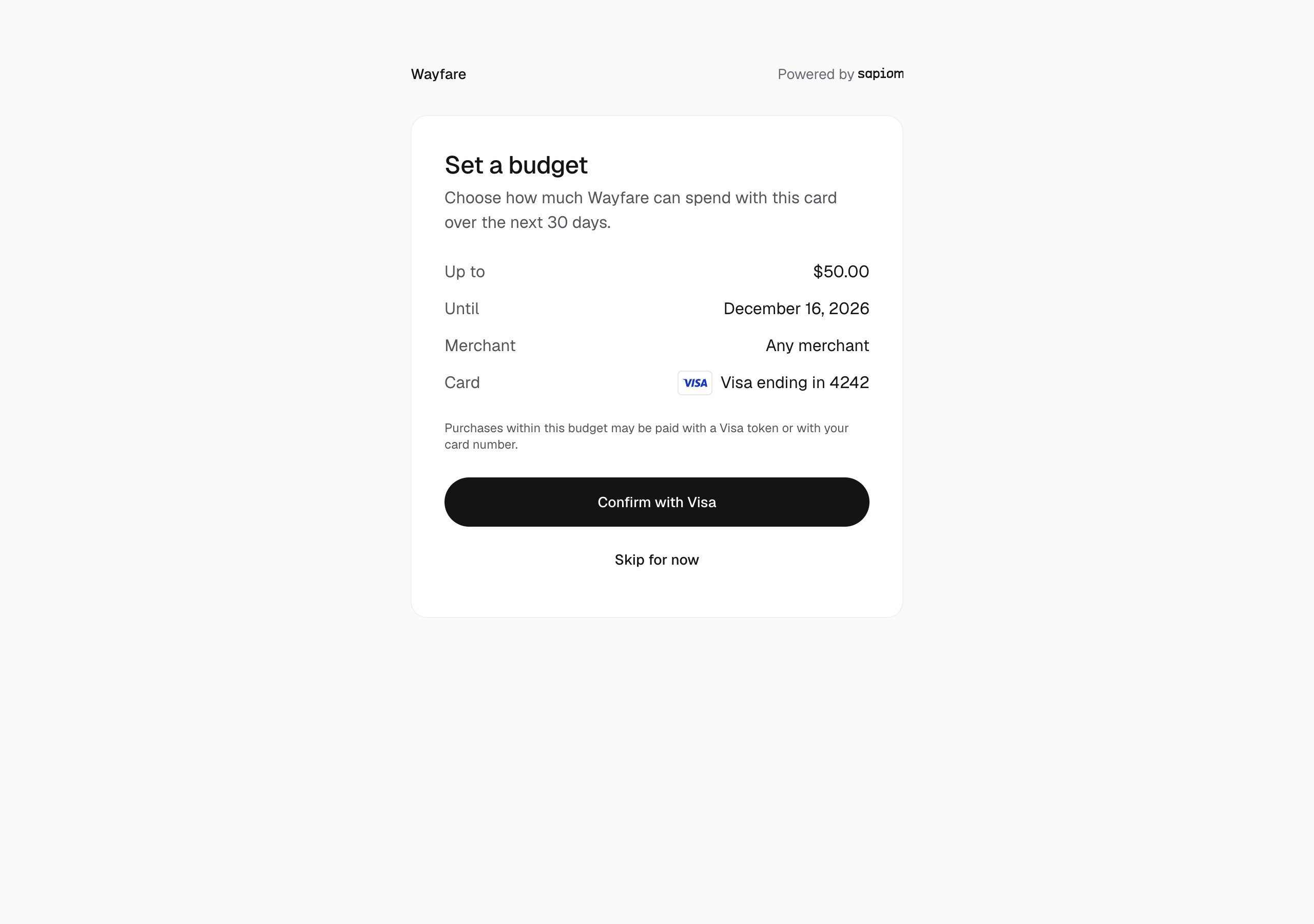
The card's network can verify the budget
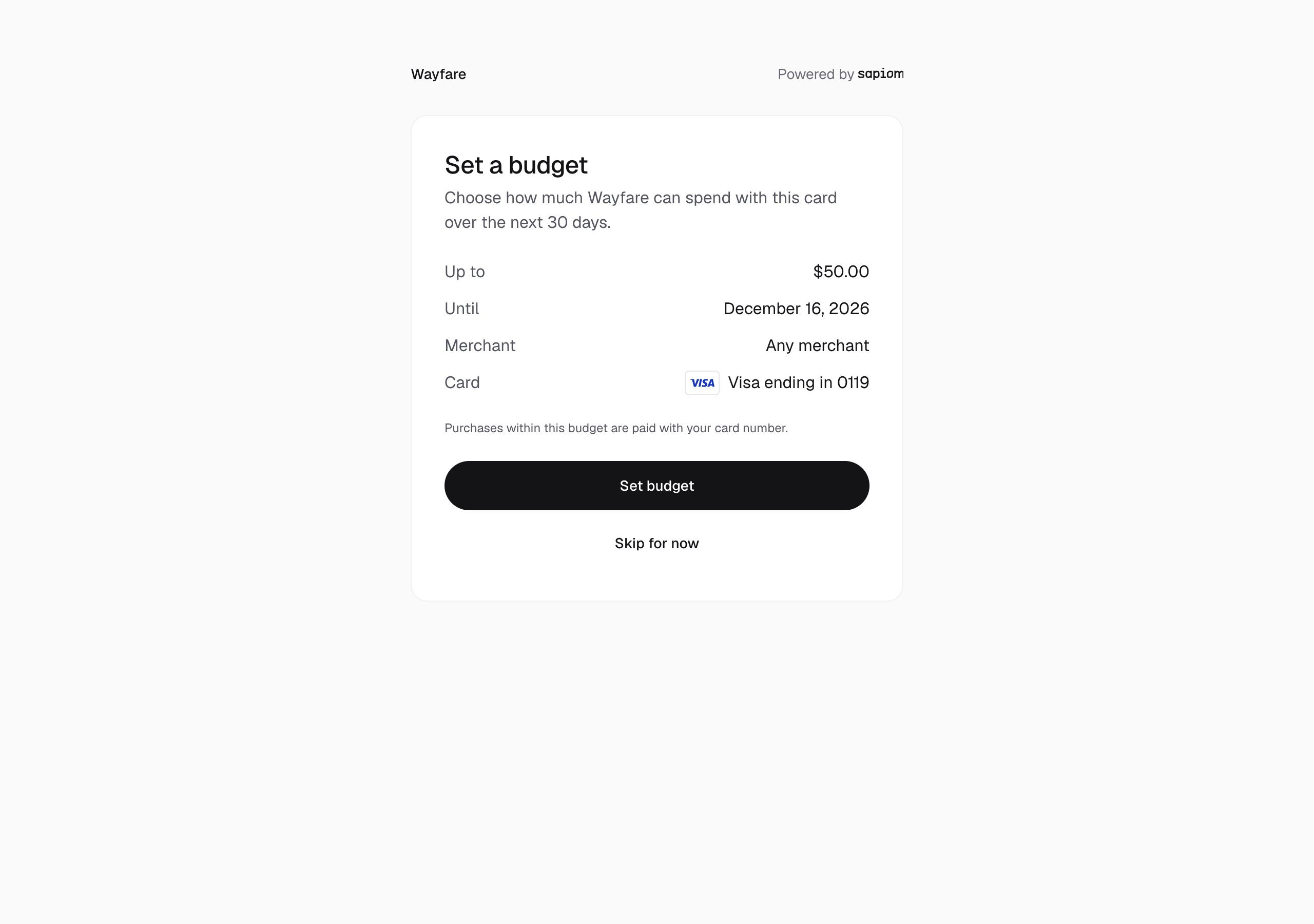
Card number only
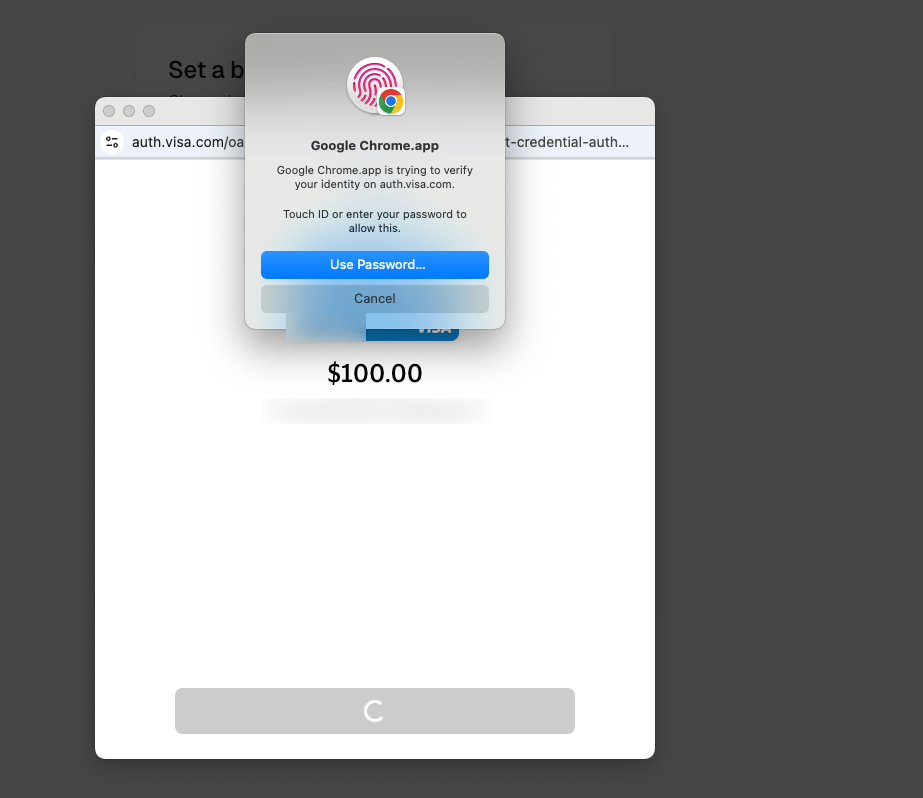
Confirming with Visa
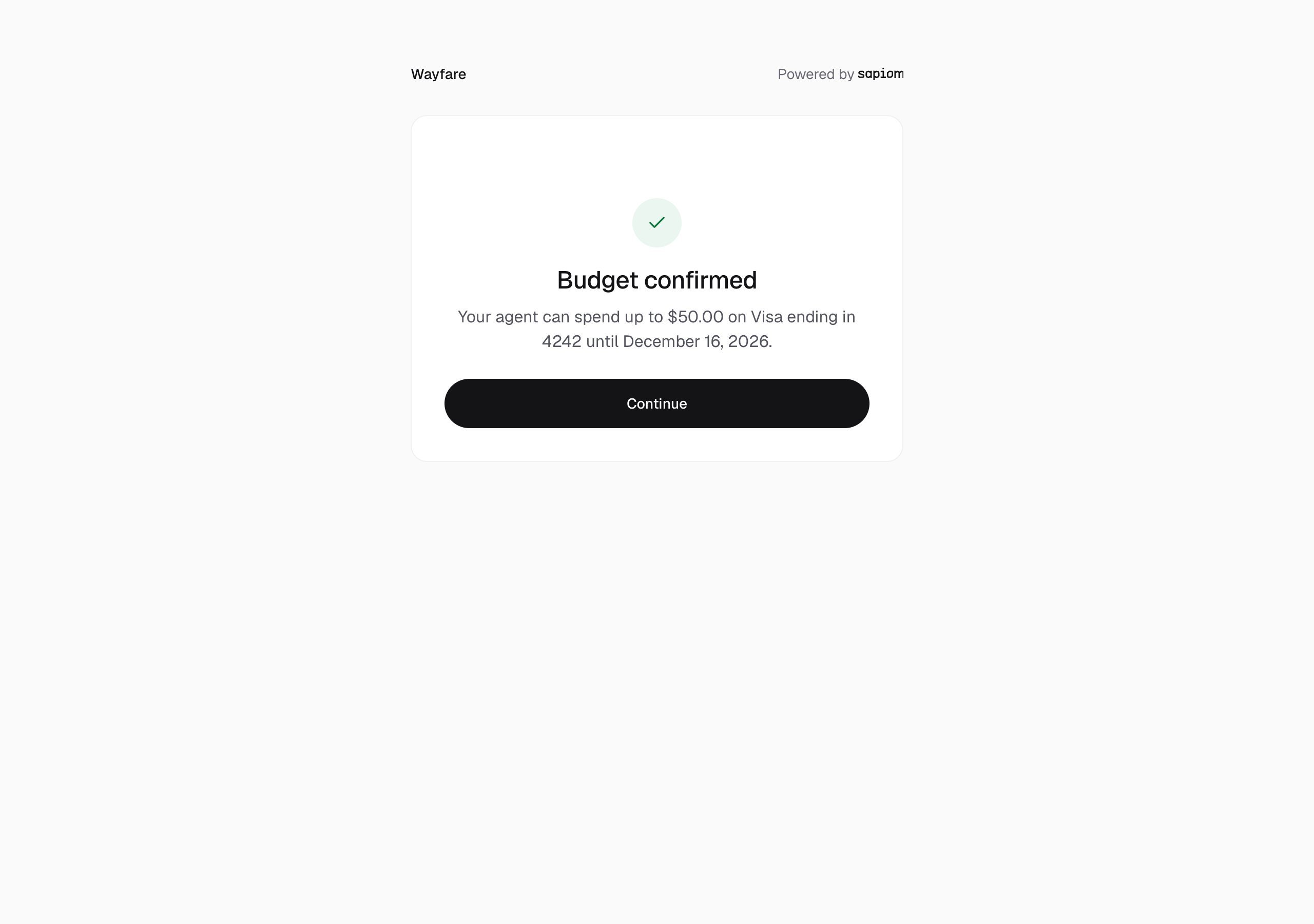
Budget confirmed
Check a card’s budget
Read the card. Itsbudget shows the amount, what is available, expiresAt and status:
When a budget runs out
A budget lasts 30 days and doesn’t refill; a new budget starts a new 30 days. A purchase over what is left, or after the budget ends, is refused withbudget_insufficient or budget_expired, with available and expiresAt; nothing is charged.
To renew a budget, send the user a budget link. They enter the amount and their security code, confirm, and the new budget replaces the old one:
What a budget covers
Budgets cover every purchase on a user’s card, at any merchant, on any checkout type, with any credential. Each card has one budget. A purchase uses one card:paymentCardId, or the user’s default. Budgets are never pooled and a purchase is never split.
Canceling a purchase before payment releases its hold; spent stays spent. Budgets are in USD; a purchase in another currency counts at its USD equivalent, at the ECB rate stored with it.
Spending limits
Spending limits are caps you set on a user’s card. A purchase over any limit is denied. Limits don’t change whether the user is asked: they cap spend inside or outside a budget, and the agent can’t raise them.
Set limits with an API key from Create key in the dashboard’s API keys, naming the user in the
sapiom-tenant header. A platform key from Create platform key can’t read or set limits. Read the card’s limits first, for their version and usage:
version (0 the first time). null removes a limit, and 409 RULE_VERSION_CONFLICT means they changed since you read them:
https://api.sapiom.ai/v1/mcp can read and set limits with sapiom_get_card_spending_limits and sapiom_set_card_spending_limits. See the MCP tools reference.